 Rumbo Maps
Maps of Austin that report to nobody.
Search, directions and turn-by-turn voice, running on your phone. No account, no ads, and it never sends where you are.
Download for AndroidOn an iPhone? Open the web app (Safari, then Share → Add to Home Screen)
Install it in three steps
Download
Tap Download for Android on this page, on the phone you want it on.
Allow this once
Android asks whether your browser may install apps. Tap Settings, turn on Allow from this source, and go back.
Install and open
Tap Install. The first screen explains the two things the app can send, each with its own switch.
Android may add that the app is from an unknown developer. That is because it comes from this site and not from a store yet; a Google Play version is being prepared. An update installs over the old one the same way.
On an iPhone
There is no iPhone app to download yet: Apple only allows apps from its App Store. What works today is Rumbo Maps as a web app: the same map, search, directions and turn-by-turn voice, running in Safari.
- Open rumbomap.com/app in Safari on the iPhone.
- Tap Share, then Add to Home Screen. It opens full screen from its own icon.
- Allow your location when it asks. What you have looked at stays on the phone for when there is no signal.
The iPhone web app sends nothing at all: no traffic help, no statistics, no road reports. iOS pauses web apps when the screen locks, so keep the screen on while it guides you.
What it does
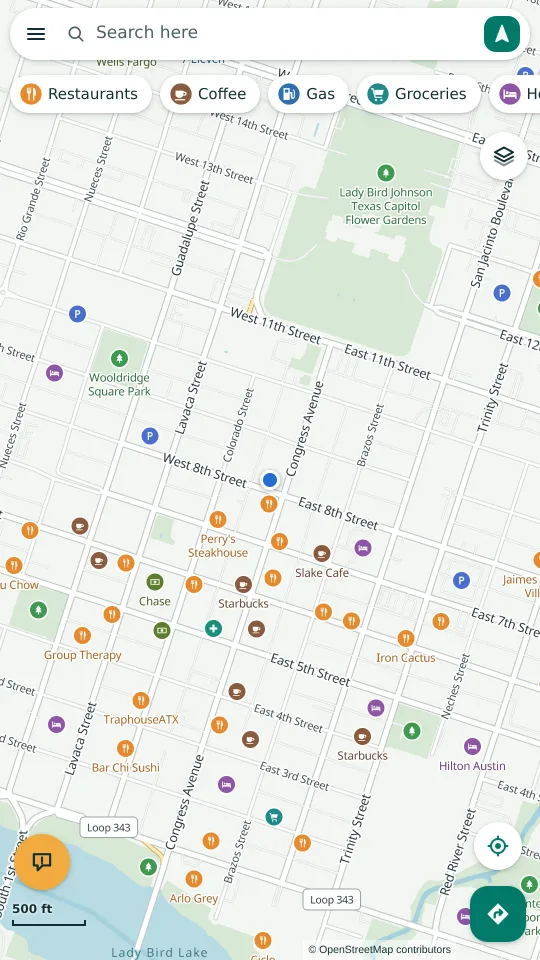
Search Austin
Addresses, crossings like “Congress & 6th”, and 12,370 named places from OpenStreetMap, searched on the phone.
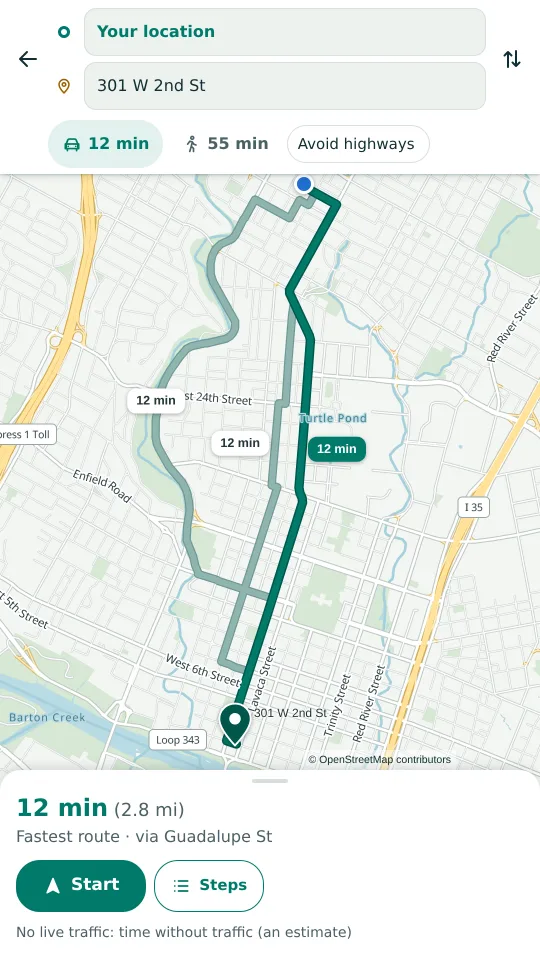
Directions
Up to three routes, walking or driving, with avoid-highways. Times say “an estimate” when there is no live traffic.
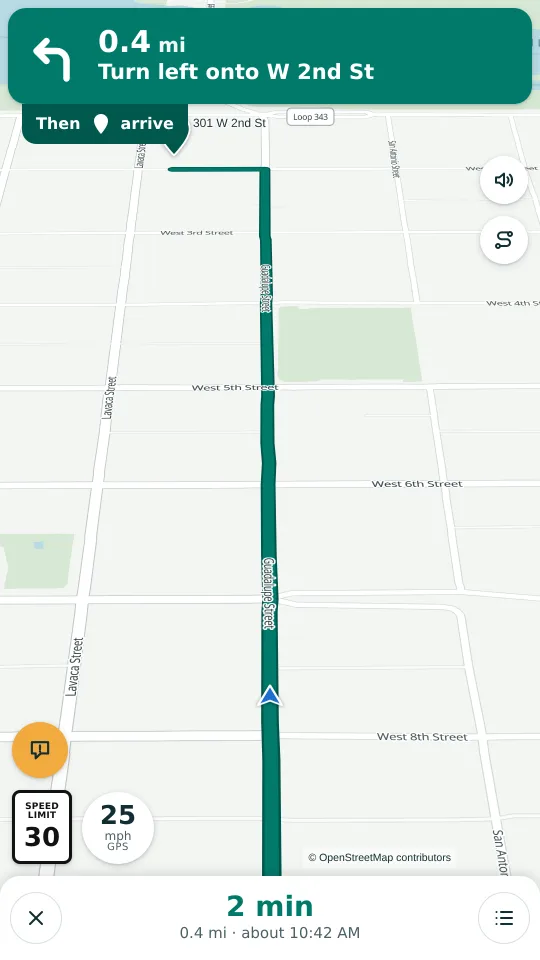
Turn-by-turn voice
Early warnings before highway exits, speed limits where OpenStreetMap has them, and it keeps guiding with the screen off.
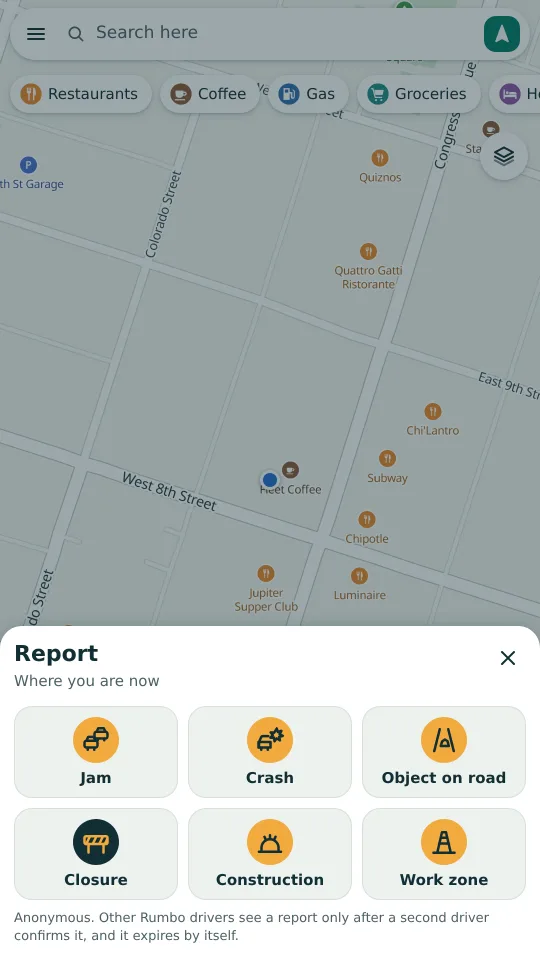
Road reports
Tap to report a crash, a closed road or a hazard. It shows once a second driver confirms it, and it expires.
What it looks like
What it sends, and what it never sends
Sends, only if you leave it on
- Traffic help: the speeds measured along each stretch of road, in 5-minute slots. Never a position, never a phone id, and the start and end of every trip are cut off on the phone first.
- Usage statistics: counts like “a route was planned”, with the hour and a random id replaced every 30 days.
- A road report or a “Still there?” answer, only when you tap it.
Each has its own switch, and Settings → What this phone has sent shows every upload, exactly as it left.
Never sends
- Where you are, where you go, or where you have been.
- What you type or search for.
- Your contacts, photos, microphone or phone number. It asks for none of them.
- Anything to an advertiser. There are no ads and no account.
Like every app, it cannot hide the phone's internet address from the server it talks to. The privacy policy says exactly what that server keeps, and for how long.
Honest status
- Austin only. The map, search and directions cover the Austin area.
- A test build. It is new; expect rough edges, and tell us what you find.
- Traffic comes from other Rumbo drivers. While few people use it, most streets will show none, and the app says so instead of guessing.
- iPhone: a web app for now. It runs in Safari; a native iPhone app needs the App Store.
Check the download (SHA-256)
The file you download should have exactly this fingerprint:
a5e496922f45bd2eb22042a7b8d9bdf8b9b7fc44d5b80d65ed1e9b6baaa34923